 WConvert
A little guidance.
Your next connection.
From your first draft to your first signup.
Let’s get something good on your site.
Create your first campaign.
From a ready-made popup to your first saved lead. Six steps, all in Free.
What are you working on?
Follow the complete first-campaign guide, or choose a focused task below. Each guide includes the requirements and a practical check.
Getting started
Install WConvert and complete your first campaign.
- Install and activate WConvert
- Find your way around WConvert
- Create your first campaign Video
- Update WConvert and Pro
- Deactivate or uninstall WConvert
Build and manage campaigns
Edit your content, preview it and publish with confidence.
- Choose a goal and a ready-made setup
- Edit your campaign’s text, images and buttons Video
- Change colors, spacing and mobile appearance Video
- Form fields, buttons and success messages
- Preview, publish and test a campaign
Placement and display rules
Choose where, when and how often campaigns appear.
- Show a campaign on selected pages Video
- Limit how often visitors see campaigns
- Add an inline campaign with a block or shortcode Video
- Open a popup after a delay, scrolling or inactivity
- Choose visitors by device, login status or role
Forms and quizzes
Build forms, guide quiz answers and match visitors to useful results.
- Build an email signup form
- Collect phone numbers for SMS signup
- Collect enquiries and visitor interests Video
- Create a quiz with different results Video
- Split a signup into several screens
Connections and delivery
Save locally, connect MailPoet or send a useful resource.
- Choose where submissions go
- Send a download link after signup Video
- Send email signups to MailPoet
- Webhooks
- Map extra answers to connected service fields
Leads and privacy
Find, export and manage the information visitors submit.
- Find a submission and check what was saved
- Export submissions and question answers
- Choose how long submissions are kept
- Review privacy guidance for forms and your site
- What WConvert stores, sends and counts
Spam protection
Understand built-in checks, filter emails and investigate blocked requests.
- Understand built-in spam checks and protection activity
- Block email addresses or domains and add exceptions
- Add hCaptcha to your forms
Analytics and testing
Read campaign results and compare report periods.
- Read campaign results and compare dates Video
- Set monthly targets and export a report
- Understand goal, screen and answer reports
- Run an A/B test and choose a variant Video
- External analytics, consent and exclusions
WooCommerce
Recommend products, target baskets and understand product activity.
- Show campaigns based on cart contents or value
- Offer useful product extras Video
- Recommend products from quiz results Video
- Read product views, clicks and cart additions
- Create an on-site cart reminder
Troubleshooting
Resolve display, form, submission and delivery problems.
- My popup does not appear Video
- A signup was saved but the email never arrived
- My form is blocked, rejected or cannot be published
- I cannot find a submission or the numbers look different
- My inline campaign or locked content is missing
Video tutorials
Start with a first campaign, make it your own, or find out why a popup is not showing. Every tutorial includes captions and a written guide.
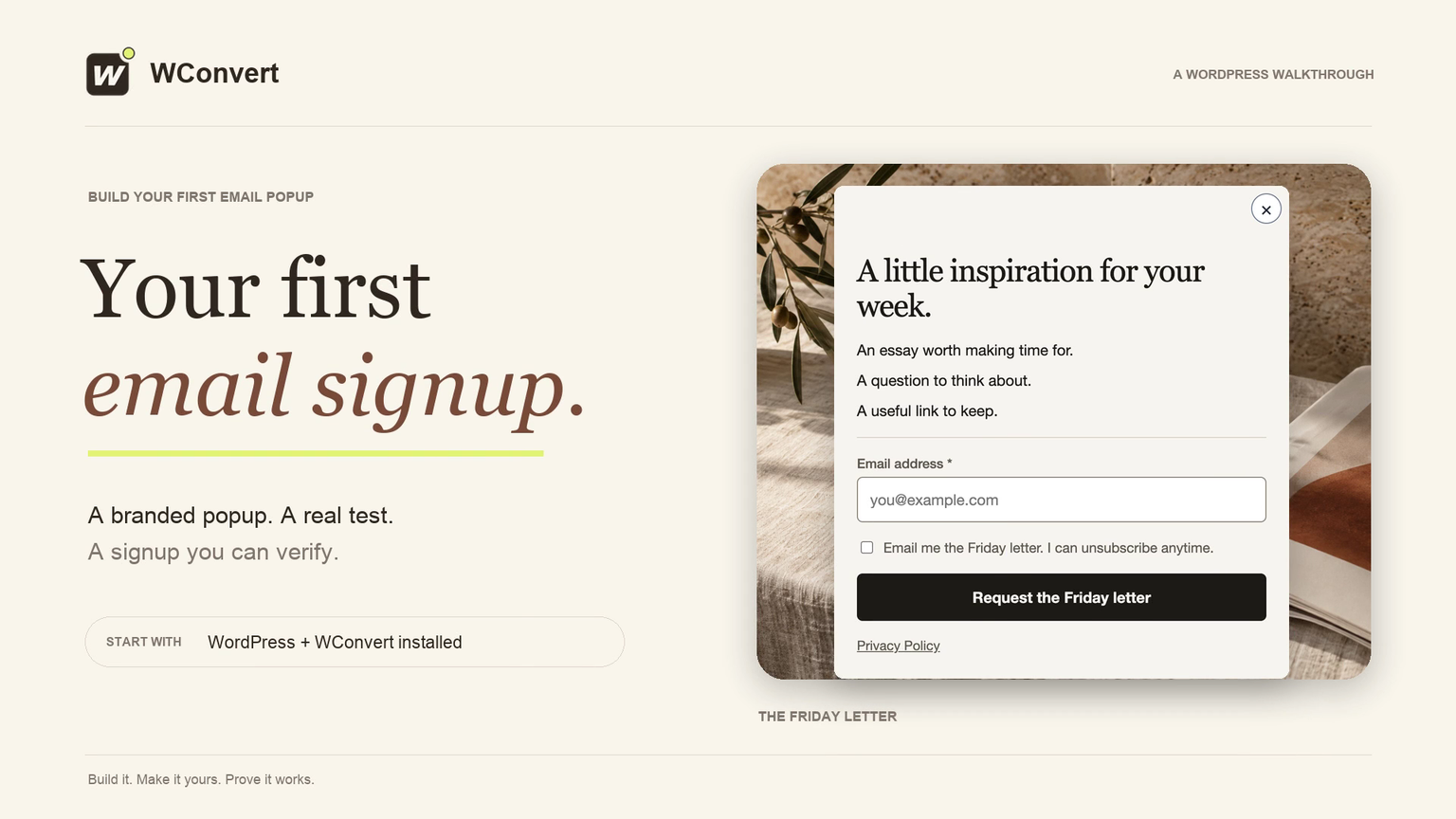 2:50
2:50Create your first email popup
Customize a newsletter popup, publish it on a test page, and verify your first signup.
Watch tutorial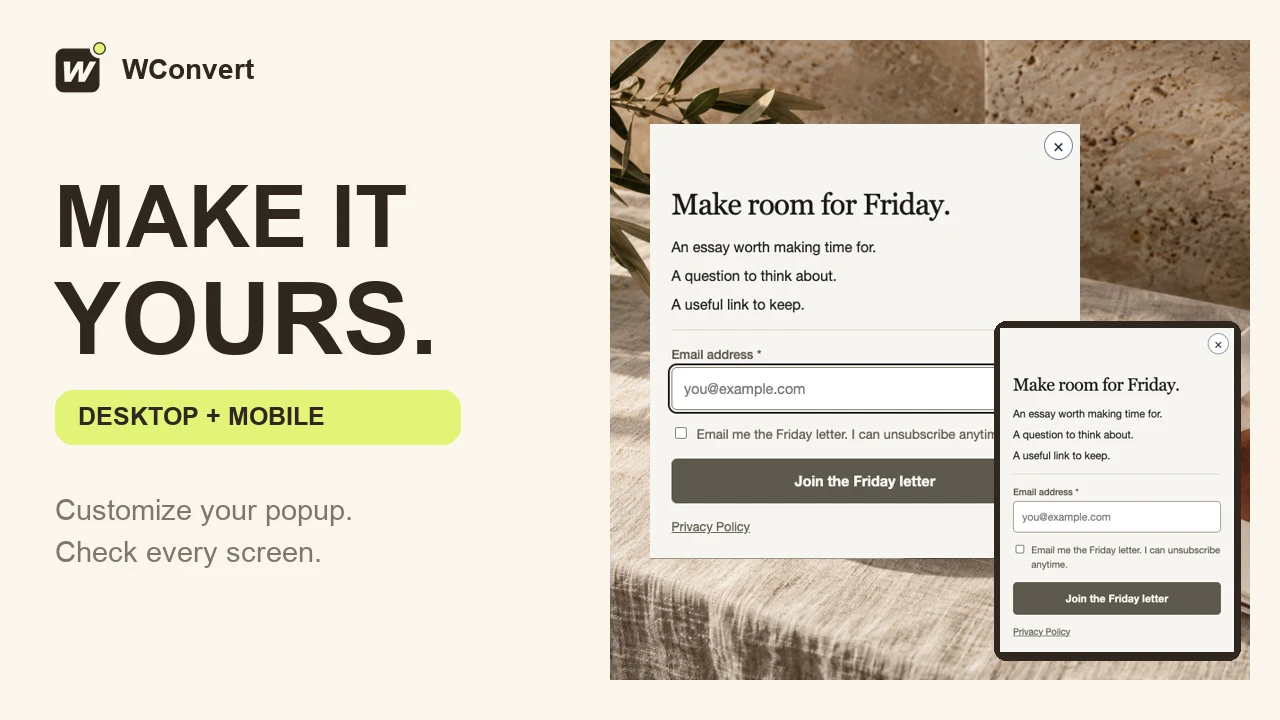 2:23
2:23Customize your popup and check mobile
Edit your headline and button, check the mobile layout, and verify the published design.
Watch tutorial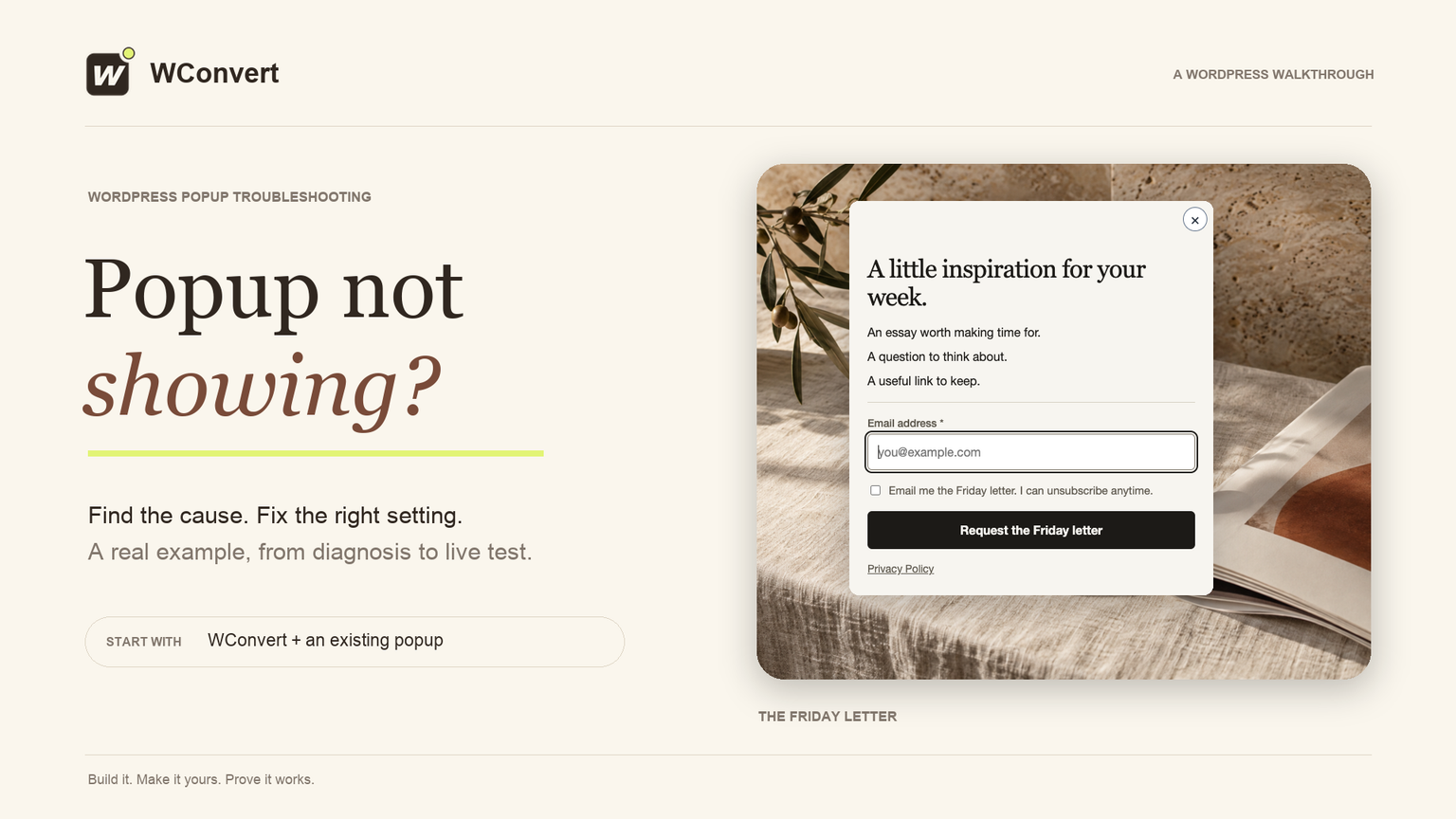 2:16
2:16Why isn’t my popup showing?
Find a blocking rule, check visitor limits, publish the fix, and test the real page.
Watch tutorial
A question of your own?
Tell us what you’re trying to do and where you’re getting stuck.