 WConvert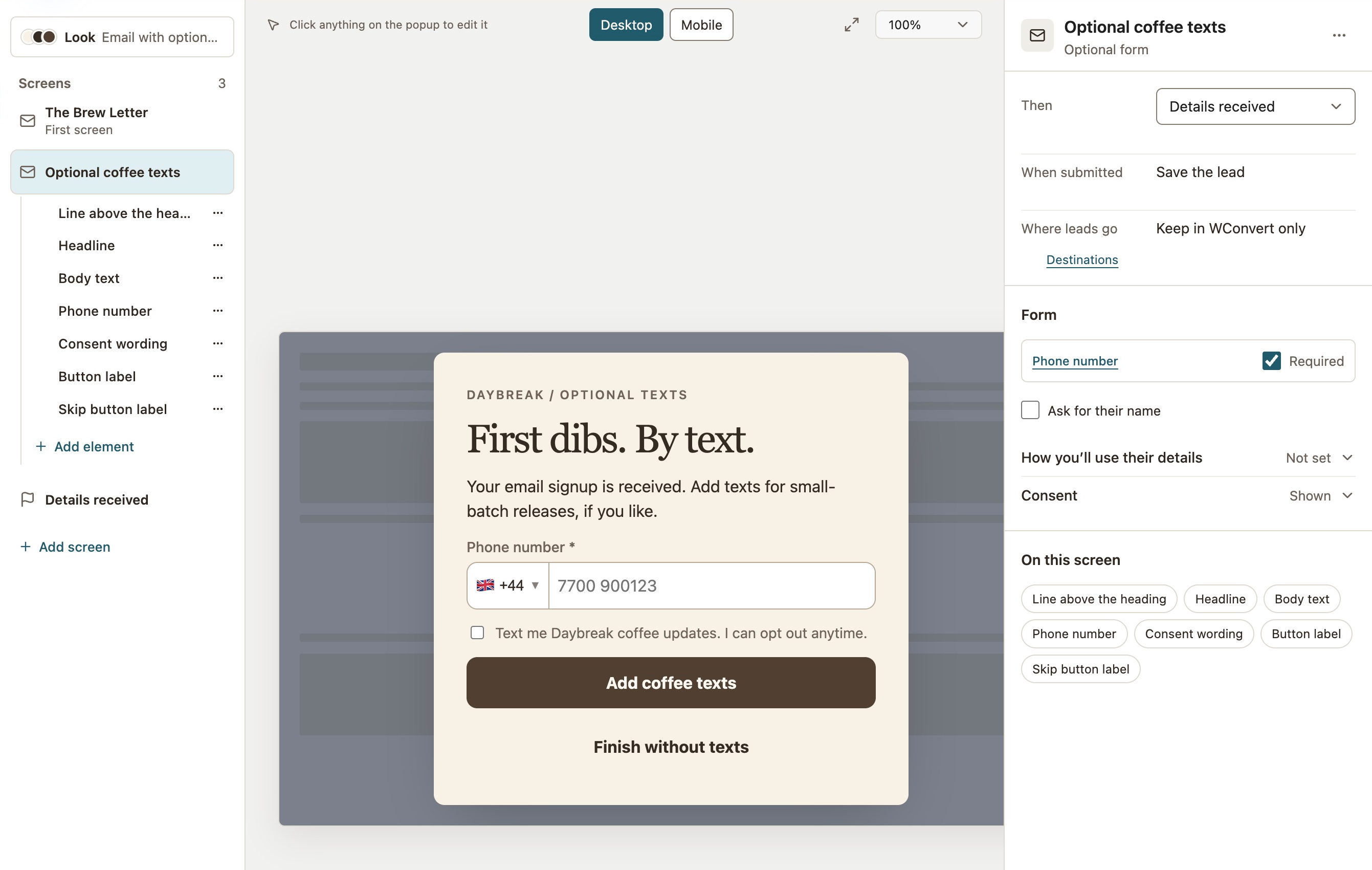
Say who’s texting, and why.
Name your brand and the type of updates. Keep SMS permission separate from email permission and one-time enquiries.
New releases. A favorite back in stock. Something worth hearing about. Turn interest into a clear invitation to join your SMS list, right on your WordPress site.
For people who want to know when the next roast arrives. A specific promise, right beside the invitation.
 GOOD MORNINGS, IN THE MAKING.
This example offers texts after an email signup. The visitor can finish without adding SMS.
Start with a moment that matters to your audience. Make the invitation and the message after it feel like part of the same conversation.
Give people who already like your work a way to hear about the next release. Make the promise specific: launch news, by text.
“Text me about new Daybreak coffee releases.”
Prepare the announcement in your SMS service. WConvert does not schedule or send the launch text.
Invite visitors to hear when favorites return. Say whether they’re joining a general restock-news list or asking about a specific product.
“Text me Daybreak restock news.”
This is a restock-news list concept. Product-specific stock monitoring and automatic alerts need a separate sending or commerce workflow.
Make the value of joining clear without making every signup about a discount. A member preview or occasional perk can be a reason to stay close.
“Text me occasional Daybreak member offers.”
Set valid offer terms in your store and prepare the message in your SMS service. Joining a list does not apply a discount automatically.
Let someone join your email list, then invite them to add SMS with its own permission. If they skip the second step, their accepted email signup stays saved.
Start with the Brew Letter. Offer coffee texts as an optional form, then finish the campaign.
Choose a starting country, show the country list and write a useful example for the field.
This draft keeps submissions in WConvert. The WSMS connection is coming soon; it is not included in the launch release.
Explain what you’ll send before asking for the number. A clear invitation sets expectations for the relationship that follows.
Explore privacy & permission toolsName your brand and the type of updates. Keep SMS permission separate from email permission and one-time enquiries.
Use an unchecked permission control. If SMS is optional, make the skip action easy to find and keep the original offer clear.
WConvert records the accepted wording and time. Configure confirmation, opt-outs and sending rules in your SMS setup.
Keep the signup experience on your site. Collect phone numbers and keep or export your leads in WordPress now. The planned WSMS handoff is not included in the launch release.
Phone signup, campaign source and saved acceptance wording.
A planned connection for your phone signups. Availability and setup details will be published when the integration is ready.
Explore the integrationsPhone capture is available now. The WSMS connection has no announced release date. Sending messages will require a separate sending setup; collecting a number does not send a text.
Klaviyo SoonA captured lead is not confirmation of a subscription or message delivery. WConvert does not send texts, monitor stock or manage unsubscribes.
Start with one relevant page and a simple phone signup. Choose a design, preview it on mobile, then see how visitors respond.
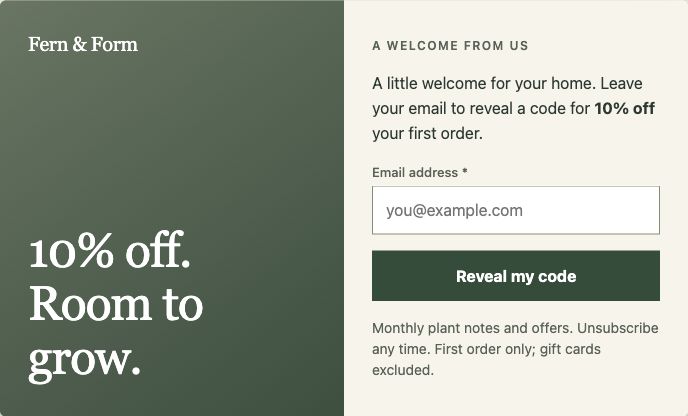
Start with a template, then choose the fields and permission for your SMS campaign.
Find your starting point Actual bundled design · Shown before SMS customization.Yes. Free includes phone capture, popups and inline forms, linear multistep campaigns, core display rules, local lead records and CSV export. The WSMS connection is coming soon and is not included at launch. Sending service requirements and message costs are separate.
No. Create a phone-only signup or use a supported email-to-optional-SMS journey. Choose the approach that fits your offer. In the progressive journey, an accepted email signup stays saved if the visitor skips SMS; ordinary Next/Back navigation does not save partial submissions.
No. WConvert captures the submitted details and permission, keeps the lead in WordPress and lets you export it. The WSMS integration is coming soon. Your SMS setup handles messages, sender registration, supported countries, subscriber status and opt-outs. Test the full flow before launch.
WConvert can collect interest in restock news. It does not monitor product stock or trigger product-specific restock texts. That requires a separate commerce and sending workflow. Be clear about the type of updates your signup promises.
Treat these as separate choices. WConvert supports separate email and SMS acceptance and stores the wording and time for each accepted step. A phone number collected for a callback or enquiry is not, by itself, permission to send marketing texts.
A successful submission records the capture; it is not proof that the visitor owns the number, that a subscription is confirmed, or that a text arrived. WConvert does not provide OTP verification or double opt-in. Check the confirmation flow supported by your chosen SMS setup.
Build your first phone signup with Free. Add Pro for exit intent, A/B testing and more campaign formats.