 WConvert
Choose a goal and a ready-made setup
Start with the result you want, inspect a suitable setup and create a draft you can test.
On this page
Before you start
Creating a campaign is included in Free. Some goals, formats and setups need Pro or another plugin; review the requirement shown for the option you choose.
First decide what you want a visitor to do. “Request our weekly email” needs a signup form. “Read our new collection” needs an offer with a link. A goal also determines what WConvert counts as a result.
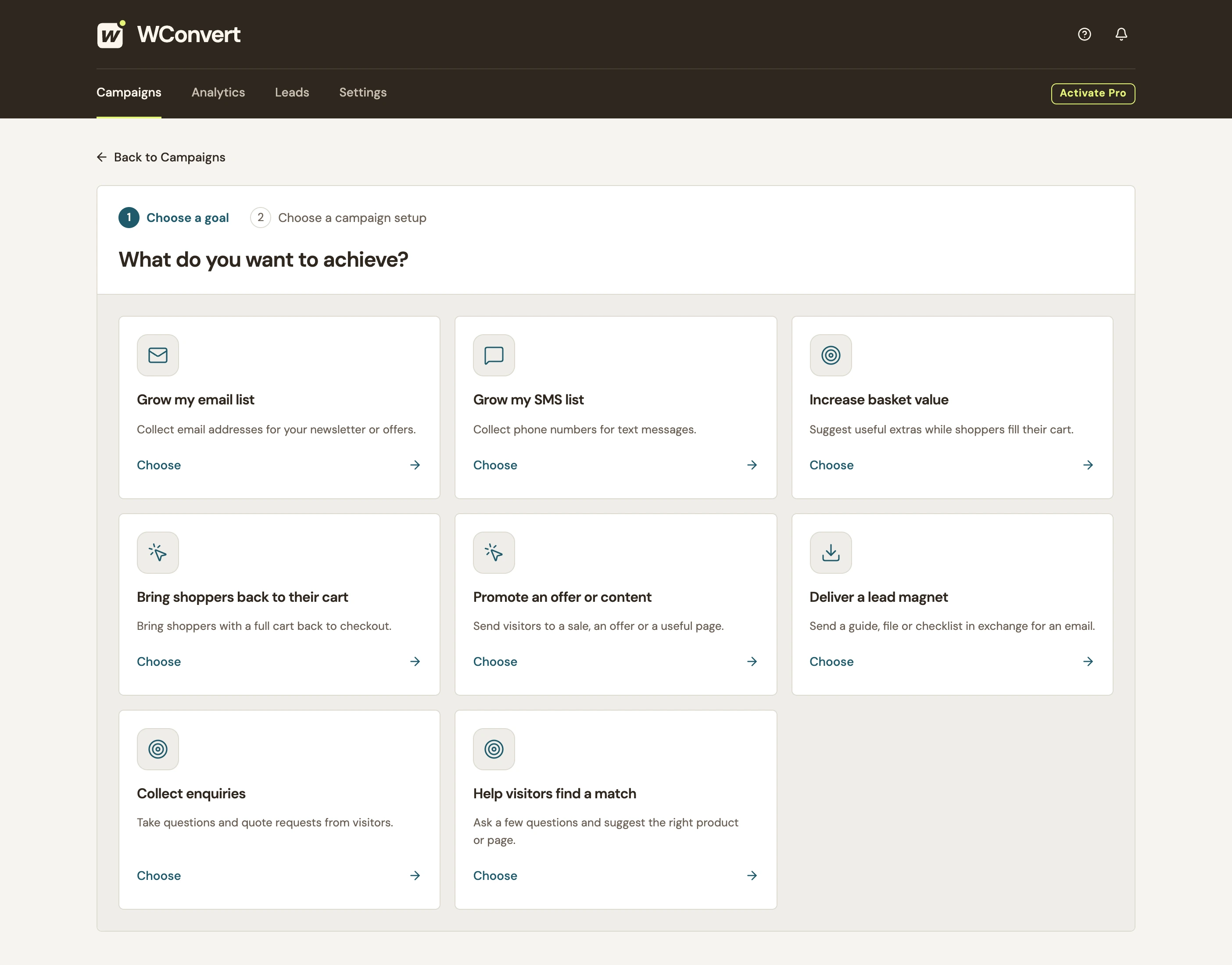
Choose the result you want
- Open WConvert → Campaigns → Create campaign.
- Choose the goal that matches the visitor’s action. For a newsletter, select Grow my email list.
- Read the available setups for that goal. Use the search to narrow the list if needed.
 Enlarge screenshot
| You want visitors to… | Start with… |
|---|---|
| Request email updates | Grow my email list |
| Request text updates | Grow my SMS list |
| Ask about a project or service | Collect enquiries |
| Request a resource by email | Deliver a lead magnet |
| Follow a promotion or content link | Promote an offer or content |
Choose a goal for the action WConvert can actually observe. A saved enquiry does not prove a booking, and an offer click does not prove a purchase.
Inspect the setup before using it
- Open a setup’s details. Our email example uses Email signup.
- Switch between Desktop and Mobile.
- Inspect the signup and Acknowledgement screens. Check that the form asks for information you need.
- Review its format. A popup opens over a page; an inline form needs placement in the page.
- Select Use this setup to create the draft.
Make the draft ready for a real test
- Give the campaign a recognizable name, such as “Studio Notes · weekly email.”
- Edit the text, fields and buttons, including consent and the acknowledgement.
- Choose where submissions go.
- Set the intended page, visitor, opening and repeat-display rules.
- Preview, publish and test on the actual page. Check a saved submission or the intended link action.
You can change an unpublished draft’s goal before its first publication. After that, use a copy for a different goal so the original reporting history stays meaningful. See campaign actions.
Include your WConvert version, the page you tested and any error message.