
WORDPRESS POPUP & FORM BUILDER

WordPress popups & forms.
Unmistakably yours.

Grow your email list, collect phone numbers and welcome new customers. Create a campaign that feels like your brand, right inside WordPress—no code needed.

Visual editing 250+ starting points Popups & inline forms in Free
Inside WConvert · the real editor
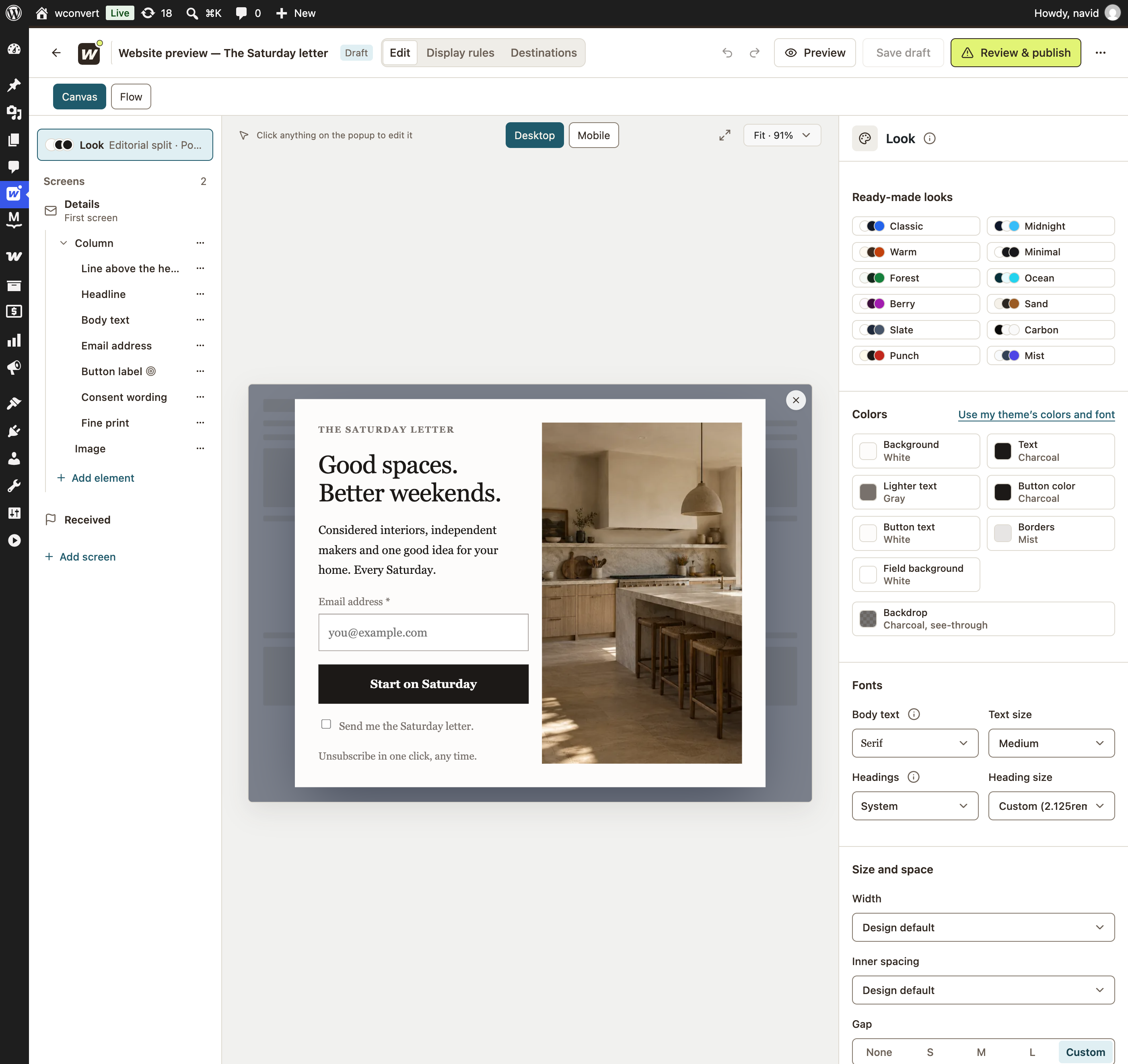
Updated WConvert editor with the screen outline, desktop canvas and Look panel.
YOUR DESIGN, IN DETAIL

Words.
Images.
Your signature.

Actual Saturday Letter signup: Good spaces. Better weekends., email field, consent checkbox and a sunlit kitchen photograph.

The real WConvert editor, with an enlarged view of the finished signup form.

ONE INVITATION. FIVE WAYS IN.Choose a format to see it on the page
A sunlit interior with natural wood and warm neutral tones
THE SATURDAY LETTER

A good read.
A better weekend.

Thoughtful spaces, independent makers and one good idea for your home. Every Saturday.

Example email signup · No details collected
Included in Free

Give your invitation its own moment.

Put a welcome offer, newsletter or download front and center. Choose when it appears in your display rules.

Interactive illustration of format placement and a signup journey. No subscription is created. Explore the actual design controls below.

YOUR BRAND, DOWN TO THE BUTTON

Start with a design.
Finish with your signature.

Your words, your photography, your colors. Edit the campaign visually inside WordPress, then check desktop and mobile before you publish.

01 Choose your colors & type
Real Look panel: white background, charcoal text and button, gray lighter text, mist borders, serif body font and custom heading size.
02 See your design take shape
Actual Saturday Letter signup: Good spaces. Better weekends., email field, consent checkbox and a sunlit kitchen photograph.

One coherent look, down to the field borders and fine print.

Real design controls and their result, shown in the same campaign.

THE REAL WORKSPACE

See exactly where it happens.

Edit your words, images, fields, colors and buttons. Check desktop and mobile, return to saved drafts, and export your design to reuse on another site.

  1. Choose your goal

    Start with a campaign setup and a design that fits.

  2. Make it yours

    Add your words, imagery and brand colors.

  3. Set the rules

    Choose where, when and how often it appears.

  4. Preview & publish

    Check each screen, review your setup, then go live.

AT HOME IN WORDPRESS

Your campaigns.
Your familiar workspace.

Create campaigns, see your leads and check your results where you already manage your website.

Place a form in your content.

Add an inline form with the WConvert block or shortcode. Use popups when your invitation needs its own moment.

Keep the signup in sight.

Find captured leads and campaign reporting in WordPress. Connect your email or SMS service for follow-up.

See available connections
SKIP THE BLANK CANVAS

250+ designs.
Your next starting point.

Welcome offers. Newsletters. Events. Start with a ready-made design and give it your own words and personality.

Explore the template library

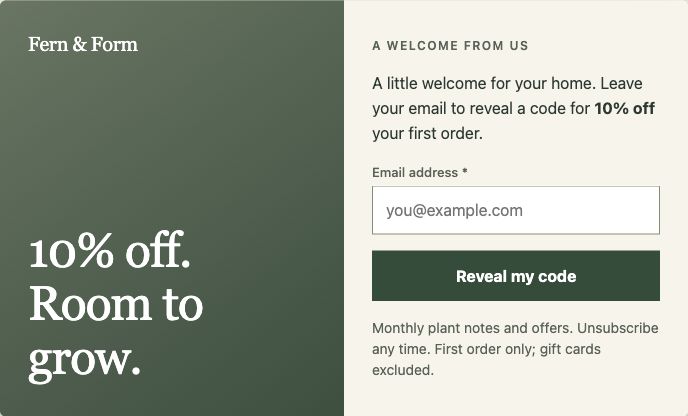
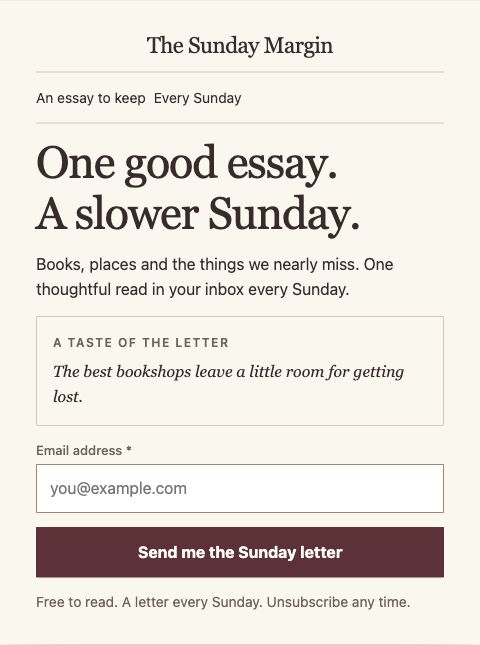
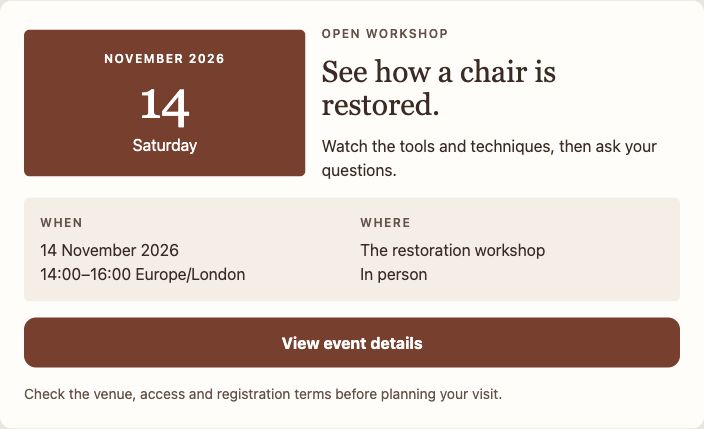
Real bundled designs, rendered by WConvert. Customize the sample content for your campaign.

DESIGN IS JUST THE BEGINNING
BUILD A LITTLE. GROW FROM THERE.

A strong start in Free.
More room in Pro.

The visual builder is included in Free. Upgrade when you need more formats, smarter paths or advanced targeting.

WCONVERT FREE

Your first connection starts here.

  • Popups and inline forms
  • Visual editing and ready-made designs
  • Email, phone and linear multistep signup
  • Desktop and mobile previews
Explore Free
WCONVERT PRO

More ways to make it work.

  • Everything in Free
  • Slide-ins, floating bars and fullscreen
  • Conditional quizzes and personalized results
  • Advanced targeting and A/B testing
Compare plans From $49 / year · 1 site · USD
BEFORE YOU BUILD

A few useful
answers.

Talk to us
Do I need to write code?

No. Start from a design, edit your copy, images, fields and buttons, then set your display rules. Inline forms can be placed with the WConvert WordPress block or a shortcode.

Can I collect phone numbers as well as email addresses?

Yes. Build campaigns for email, phone numbers and enquiries. You can also use multiple screens: capture an email first, then offer an optional SMS signup. Your first capture is retained if the visitor leaves the optional step.

Can I preview the campaign on mobile?

Yes. The editor includes desktop and mobile previews so you can check the design before publishing. You can also target campaigns by device.

Can I reuse a design on another site?

Yes. Export and import a campaign design to reuse your work. Display rules and destination settings are configured separately on the receiving site.

Does the builder send my marketing emails?

WConvert collects the signup and can pass it to your configured integration. Your email or SMS service handles subscriptions and follow-up. For lead magnets, WConvert can email a resource link through your WordPress mail setup.

Inside the WConvert editor

Actual desktop screenshot · Editorial split campaign

Full current WConvert workspace with screen outline, Saturday Letter signup, ready-made looks, colors and typography controls

Zoom in to inspect the controls. Scroll to explore; press Escape to close.