WConvert
STUDIO / PROJECT ENQUIRYWhat are you
planning?
planning?
A new website
Start a project conversation
For studios and agencies. Understand whether someone needs something new or help with what they already have.
Good first question: project typeFind out what someone needs, not just how to reach them. Turn interest in your services into an enquiry your team can build a conversation around.
Give visitors a service to choose and a clear way to ask for help. Keep the first step simple, with contact details your team can use to reply.
Give visitors a clear way to ask about the work you do.

Service-choice and enquiry capture included in Free.
Ask for the one detail that makes your first reply more useful. Leave the full conversation for the conversation.
For studios and agencies. Understand whether someone needs something new or help with what they already have.
Good first question: project typeFor trades and service businesses. Capture the service they need, then discuss the details and price in your reply.
Good first question: service neededFor consultants and specialists. Ask which topic matters, so your team can suggest a useful next step.
Good first question: area of interestPut an inline enquiry below your services or portfolio. Or open a form from a clear “Discuss your project” invitation. Keep it close to the information that helps someone decide.
Choose where and when it appearsFree gives you a service choice and contact details, together or across a short linear flow. Need a more detailed brief? Pro adds questions and paths that follow the visitor’s answers.
Explore question journeysAsk relevant questions. Save the answers with the submitted request.
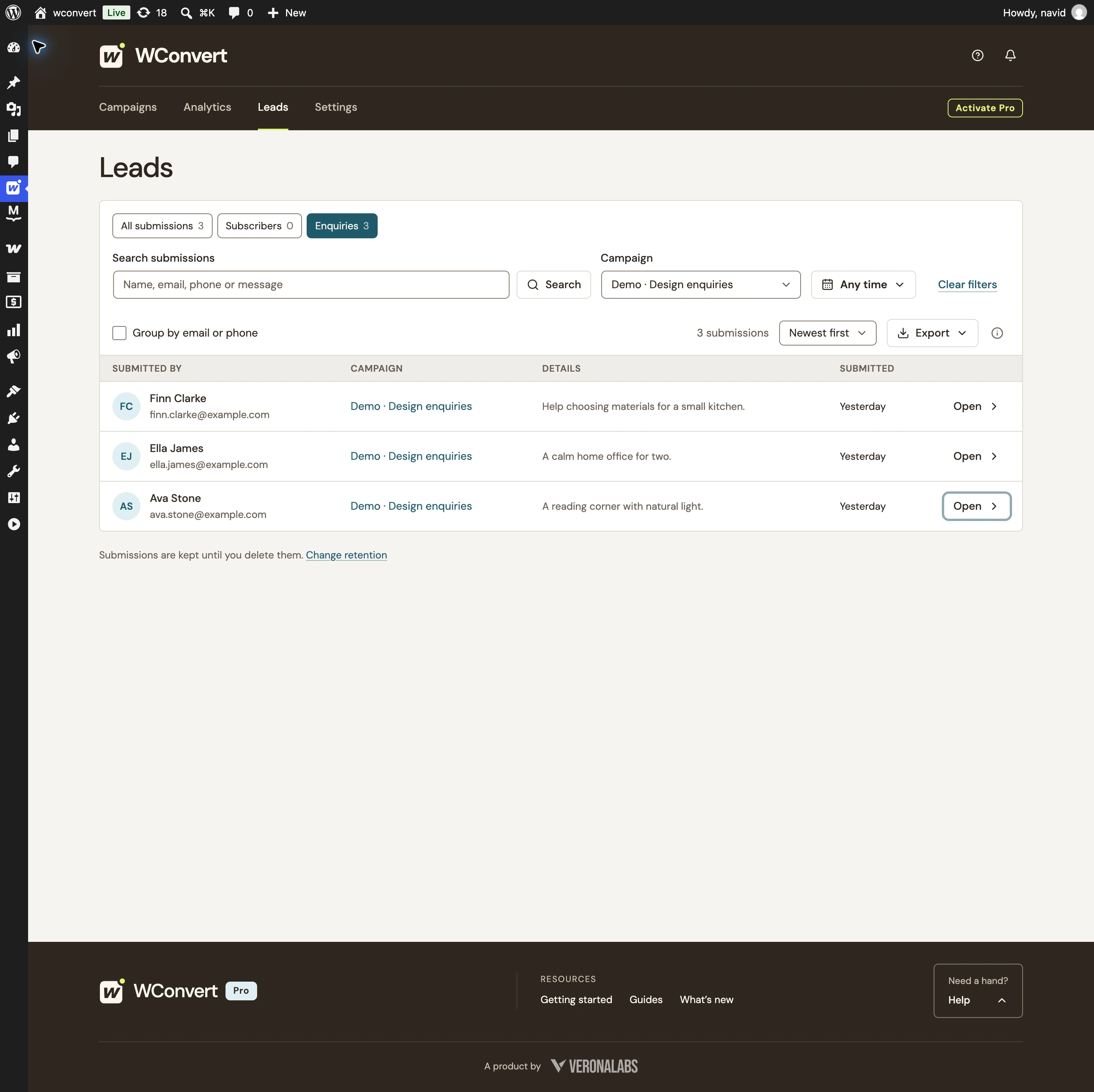
Review submitted details alongside the campaign and source page in your local lead records. Your team handles the reply, quote or appointment in the tools you already use.
The request.
The source.
The person to reply to.

Keep requests on your WordPress site, or export records as CSV for your team.
Explore lead managementExplain how you’ll use the details and link to your privacy information. Keep responding to this request separate from a marketing signup.
Explore privacy controlsSee how often the campaign appears and how many enquiries it captures. Track replies, bookings and revenue in your business tools.
Explore campaign analyticsYes. Free includes enquiry capture, a service-choice dropdown, name, email or phone fields, linear multistep forms, popup and inline placement, core display rules and local lead records. Start with the Request a quote or Enquiry in small steps starting point, then adapt the copy and choices to your business.
Pro question journeys support single-choice, multiple-choice and short-text questions, with paths based on answers. Use them for the context you actually need before replying. Free supports one service-choice dropdown alongside contact details.
Moving between ordinary question or contact screens does not save an enquiry. The answers and contact details are saved together when the visitor explicitly submits.
WConvert captures the request and shows an acknowledgement. Your team reviews the details, replies, prepares a quote or arranges an appointment using your existing tools. An enquiry is not a confirmed booking, accepted quote or completed sale.
In the local lead records on your WordPress site. Review the captured details and service choice, see the campaign context and export records as CSV. Forwarding to a connected service depends on the available integration and its supported fields; it is not an automatic staff notification or shared inbox.
Treat responding to a request and sending ongoing marketing as separate purposes. Make the form’s purpose clear and link to your privacy information. If you also invite someone to receive marketing, explain that separately and configure the relevant permission and destination.
Start with a useful question. Build the conversation from there.
Enquiry capture in Free · More detailed question journeys in Pro