 WConvert
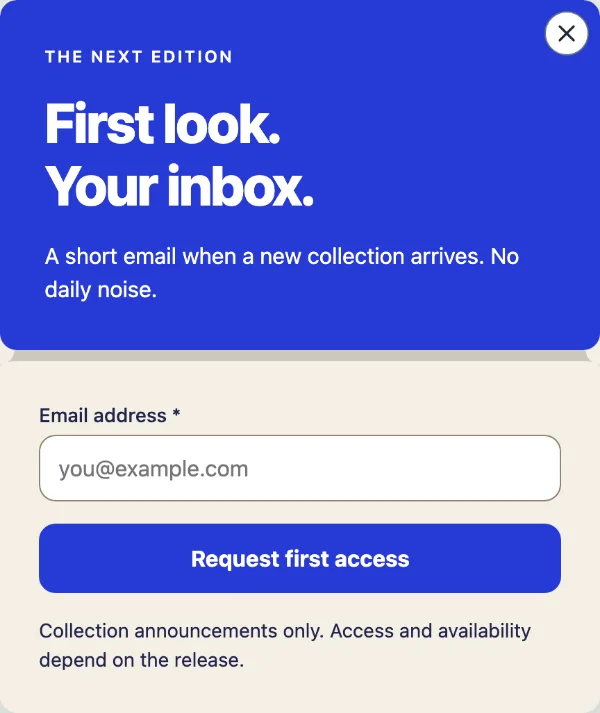 Image unavailable. Open the design for details and its public preview.
Edition pass
FreePopup Give a new collection its moment.
This image could not load. Read the design details or try Live preview.
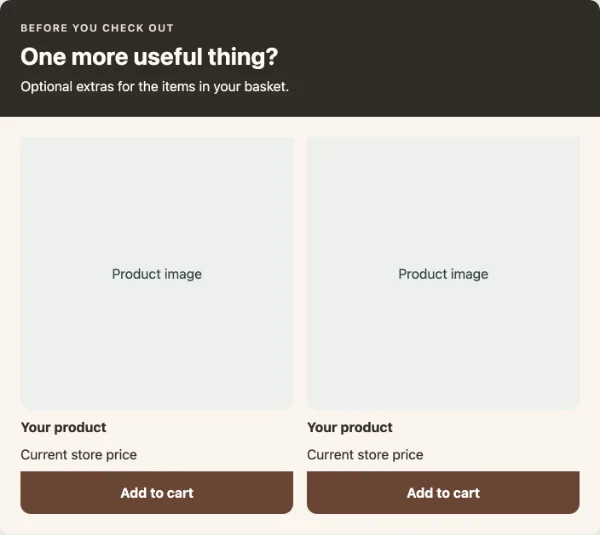
One more useful thing, before checkout.
A dark introduction and a pair of product cards present optional basket extras. The sample keeps the decision with the shopper.
Explore this design’s screens at desktop and mobile widths. Sample forms do not collect details or send messages.
Set appropriate product choices and placement. Test the suggestions and add-to-cart actions with your WooCommerce basket.
A design is a starting layout. Some come with the plugin; others are added from the online template library. Installation and any Pro licence checks happen in WConvert.
In WConvert, start a campaign and choose a goal. In the design picker, choose Show online designs the first time you are asked, then look for Basket companion.
Inspect the screens, then choose Add to my designs. Pro designs need WConvert Pro and a valid licence; a Free site shows them with a link back to this page.
Choose Use this design on Basket companion. Review the content, fields, format and destinations. Test your campaign before publishing.
Image unavailable. Open the design for details and its public preview.Popup Give a new collection its moment.
 Image unavailable. Open the design for details and its public preview.
Floating bar A small announcement with a clear destination.
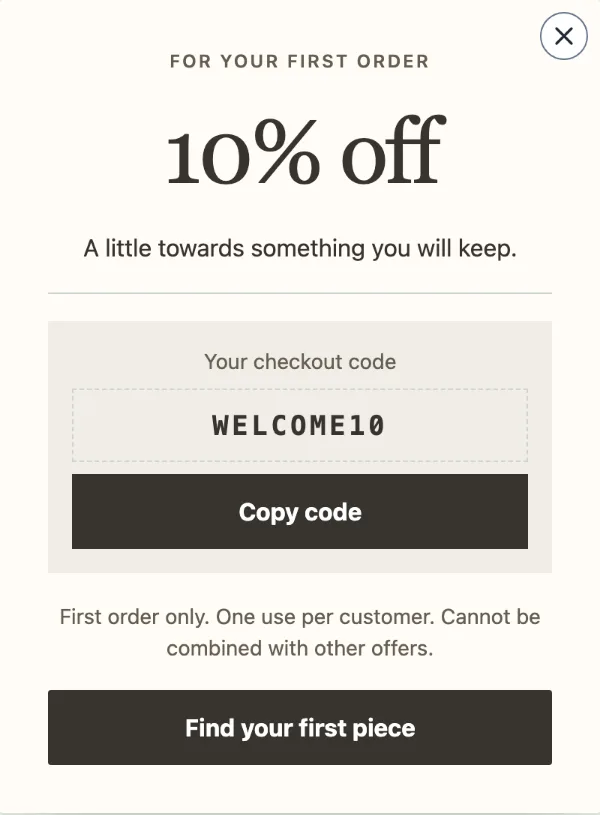 Image unavailable. Open the design for details and its public preview.
Popup An offer worth keeping at hand.