 WConvert
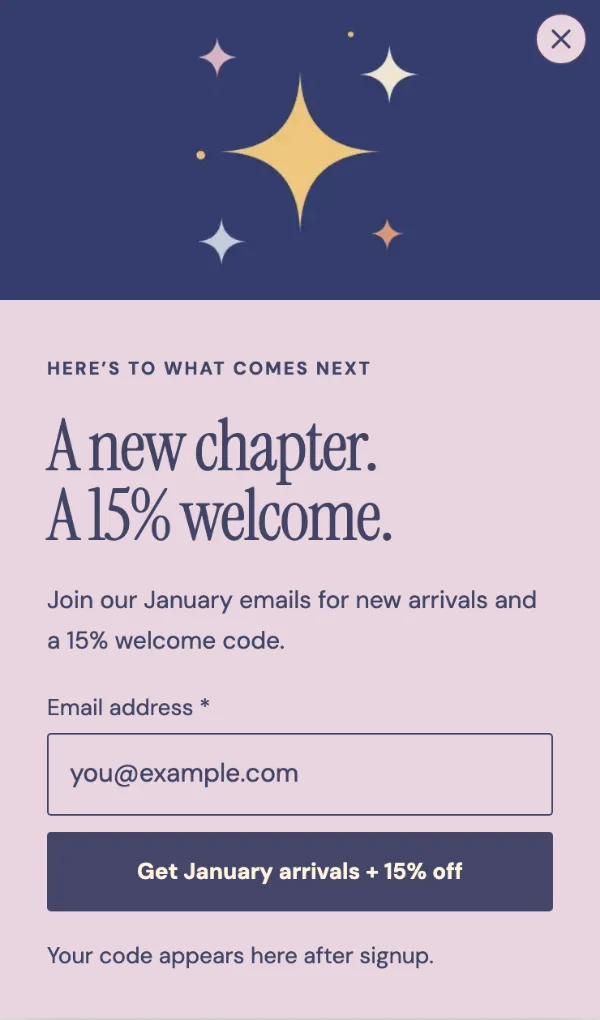 Image unavailable. Open the design for details and its public preview.
A bright new chapter
ProSlide-in Retail

This image could not load. Read the design details or try Live preview.
Explore Deadline bar in the live preview, then adapt its content and settings in WConvert.
Explore this design’s screens at desktop and mobile widths. Sample forms do not collect details or send messages.
Add your own words, branding and destination. Test the complete journey before publishing your campaign.
A design is a starting layout. Some come with the plugin; others are added from the online template library. Installation and any Pro licence checks happen in WConvert.
In WConvert, start a campaign and browse the bundled design library for Deadline bar. Use the edition shown above and an up-to-date plugin.
Inspect the screens, then choose the design as your starting layout. No download is needed.
Choose Use this design on Deadline bar. Review the content, fields, format and destinations. Test your campaign before publishing.
Image unavailable. Open the design for details and its public preview.Slide-in Retail
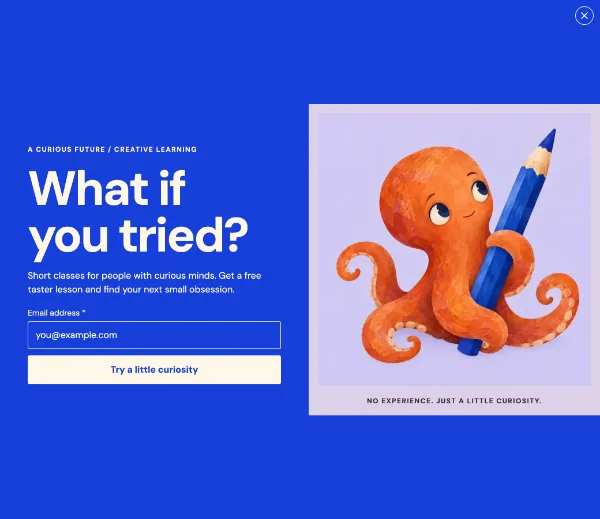 Image unavailable. Open the design for details and its public preview.
Fullscreen Books & publishing
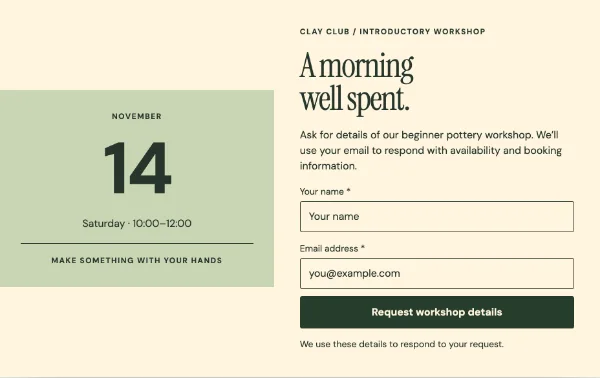 Image unavailable. Open the design for details and its public preview.
Inline Books & publishing