 WConvert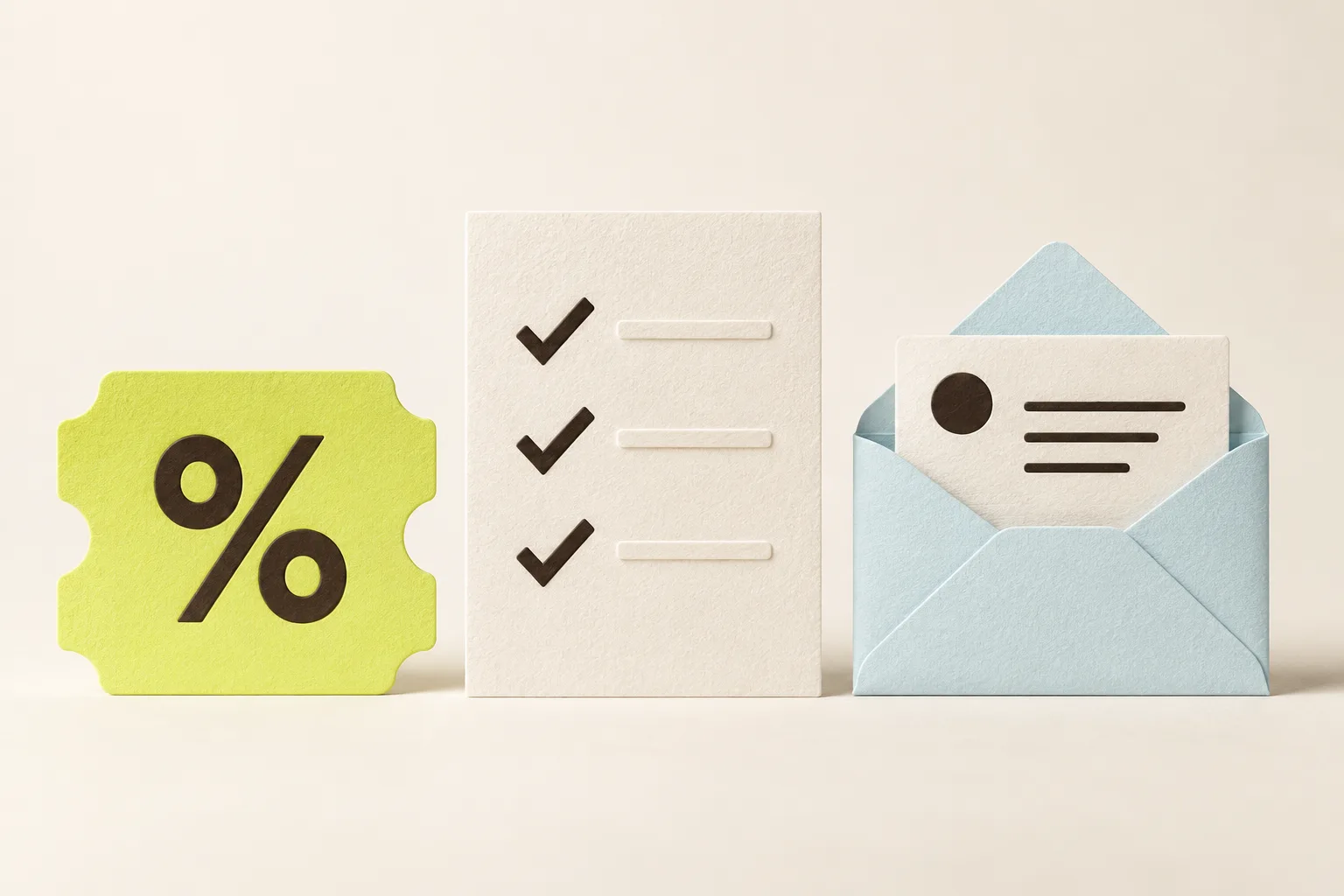
“Join our newsletter” tells someone what to do. It doesn’t tell them why they should.
Before choosing your popup’s colors or deciding where it appears, answer a simpler question: what does this person get from giving you their email address? A good answer can be a small, useful thing. It doesn’t have to be an elaborate download or a permanent discount.
Imagine three visitors: someone comparing coffee beans, someone planning a kitchen renovation, and someone reading your weekly design column. They’re on different missions. Your signup offer should recognize that.
Start with the reason for the visit
Pick a page where you want to invite signups. Ask what someone is trying to accomplish there, and what would help them take the next step.
On a product page, they might need help choosing. On a service page, they might be gathering information before speaking to you. On an article, they may simply want more of what they just read.
Write your idea in this form:
For someone who is trying to [do something], we’ll offer [something useful], so they can [take the next step].
For a home renovation business, that could become: “For someone planning a kitchen, we’ll offer a project brief checklist so they can prepare for their first conversation with a designer.” That gives you a much clearer starting point than “Get updates.”
Choose an offer you can keep delivering
There’s no single offer that makes sense for every website. These three are useful starting points.
A discount for someone ready to shop
A welcome offer fits a visitor who is already interested in buying. Be specific about the value and show important conditions before they sign up.
Example headline: “Your first coffee order, 10% off.”
Supporting copy: “Join our coffee notes for brew tips and new arrivals. Get a welcome code for 10% off your first order over $30.”
Button: “Get my welcome code.”
Use this only if the discount fits your margins and you can honor it. Decide where the code appears, whether you’ll also email it, and what exclusions apply. The form and the store need to tell the same story.
A resource that solves one small problem
A checklist, worksheet or short guide can help someone who is researching rather than buying today. Make it specific enough that they can picture using it.
Example headline: “Plan your kitchen before the first meeting.”
Supporting copy: “Get a one-page checklist of measurements, priorities and questions to bring to your designer.”
Button: “Send me the checklist.”
A short resource you can finish today is often a more practical starting point than a large ebook you haven’t written. Create and check the file before you launch the form. If people are also being invited to receive ongoing marketing, explain that separately from the resource request.
A newsletter with a recognizable promise
You don’t need a giveaway when the emails themselves are useful. Tell readers what they’ll receive and how often you intend to send it.
Example headline: “One better idea for your home. Every Saturday.”
Supporting copy: “A short note with considered interiors, independent makers and something worth saving.”
Button: “Send me Saturday’s note.”
Choose a rhythm you can sustain. A clear monthly note is a better promise than a weekly newsletter you aren’t ready to produce. Let the signup copy sound like the email readers will actually get.
Make the form feel like part of the page
Match the offer to its surroundings. A kitchen checklist belongs alongside renovation content; it will feel less relevant on a careers page. If your offer only makes sense for one topic, begin there.
An inline form can sit at a natural stopping point in an article. A popup can introduce the same offer once someone has had time to look around. Use display rules to choose where and when the invitation appears, and limit repeat appearances so a dismissal is respected.
Keep the first form focused. If an email address is enough to deliver the offer, start with that. Add a preference question only if you’ll use the answer. If you also want phone subscribers, give them a clear, separate choice through an optional SMS step.
Plan the moment after signup
Write the success message before publishing the campaign. It helps expose anything missing from the promise.
- For a discount: show the code, explain its conditions and offer a link back to the store.
- For a resource: provide the download or explain where the delivery email will arrive. Test the link yourself.
- For a newsletter: confirm the signup and say when to expect the next issue. If confirmation is required by your email service, explain that next step.
With WConvert, capturing a lead and sending a newsletter are separate jobs. You can keep leads in WordPress or connect a supported service for follow-up. Before launching, check your integration and its delivery settings; a saved email address alone doesn’t start a welcome sequence.
Try the published campaign with your own address. Check the confirmation, the saved lead and any expected email. Test the whole promise, not just the submit button.
Learn from one clear change
Once the campaign has been running, look at how often it appeared and how many people submitted it. Then consider what happened next: did the resource arrive, did readers engage, or did someone use the offer?
A signup count can’t answer all of those questions. Use your campaign results alongside the information available in your email service or store.
If you want to improve the invitation, change one meaningful thing at a time: the offer, the headline or where it appears. Keep a note of what changed and when. Treat small samples cautiously, and don’t assume every change in results came from your new wording.
Your first-offer checklist
Before you build, make sure you can answer these five questions:
- Who is this for, and what are they trying to do?
- What useful thing will they receive?
- What information do you actually need from them?
- What will happen immediately after they submit?
- How will you check that your promise was delivered?
Start with one audience, one relevant page and one useful offer. You can build the next campaign from what you learn.